Live release

Export

Table Exporter

Export Markdown tables and Obsidian Bases views (Table, Cards, List) to PNG, CSV, Excel, and PDF — with scroll-stitching for virtualized Bases views.

Built for the moment when a table or Base view looks right in Obsidian but still takes too much manual work to share, print, or keep moving through the rest of a workflow. v0.3 ships full long-image export for Bases Cards and List views via scroll-stitching, on top of v0.2's Bases Table support that walks the virtualized scroll container to collect every row.

PNGCSVExcel (.xlsx)PDF
What to expectA focused tool for getting tables out of the vault cleanly.

It already works today for rendered Markdown tables, with export paths that cover visual sharing and structured data handoff.

Use cases

Built around the moments where notes need to travel further.

Export Bases Table views with every row captured, not just the visible viewport

Bases uses virtualized rendering — only a few rows live in the DOM at any time. Table Exporter scroll-walks the container and collects every row, so a 100-row Base exports as 100 rows.

Export a long Bases Cards reading list as one shareable image (new in v0.3)

v0.3 scroll-walks Bases Cards and List views and stitches every card into one continuous long PNG, with geometry + pixel overlap detection between viewport chunks. A 50-card reading list exports as 50 cards, not just the visible window. PDF dispatch reuses the same stitched canvas through the existing paginated PDF flow.

Get real Excel types from Bases columns

Checkbox columns become real booleans, date columns become ISO date cells, link cells export readable text instead of raw control HTML. Hand the spreadsheet to a teammate and they can pivot or filter immediately.

Share long status tables without stitching screenshots

Turn long Markdown planning and weekly status tables into one clean image that drops into chat, docs, or reports.

Get a paginated PDF when print output gets messy

Use the PDF path for wide or operational tables — Markdown or Bases — that are easier to circulate as a document than as a screenshot.

Preview

Real export results from real Obsidian table scenarios.

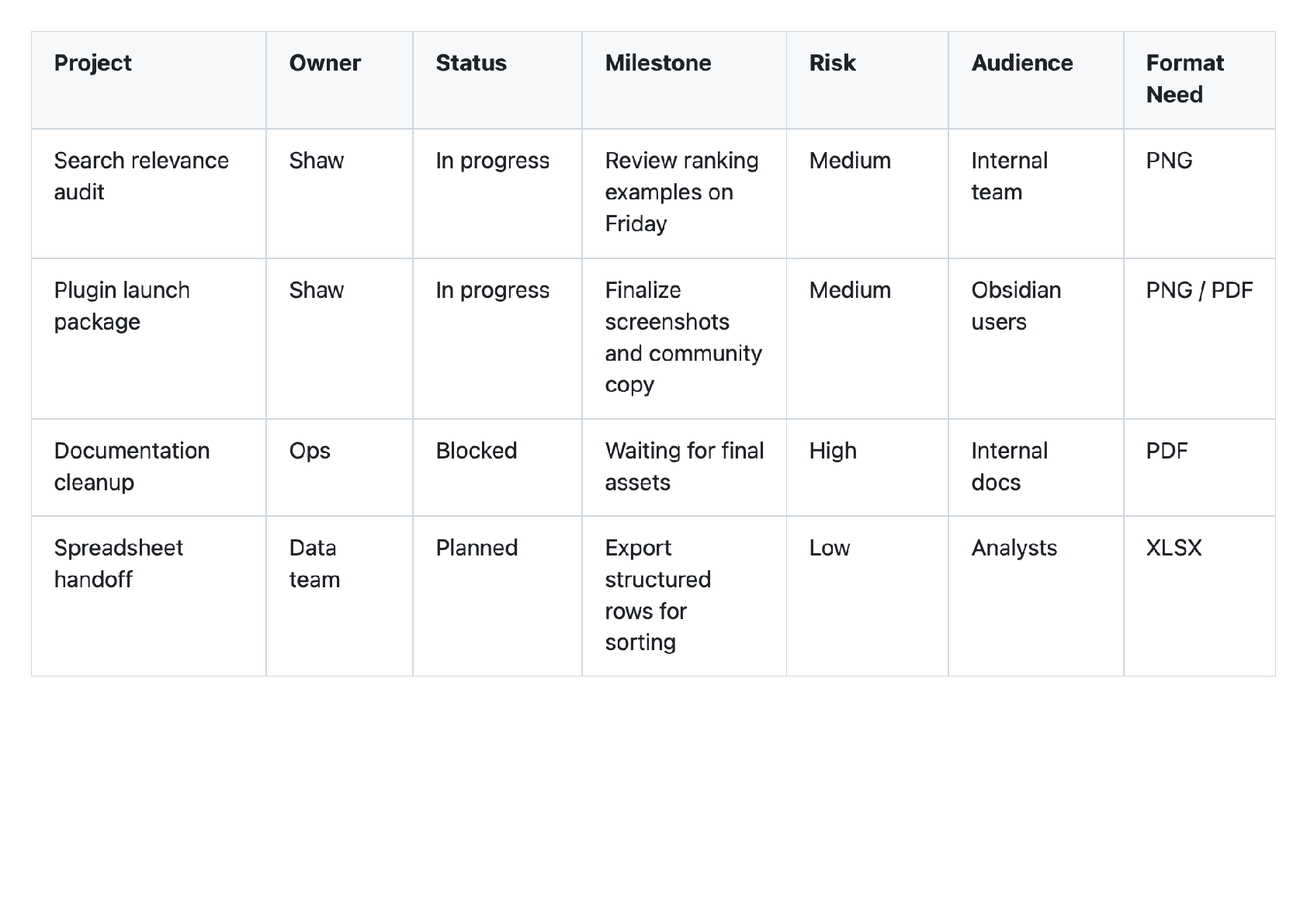
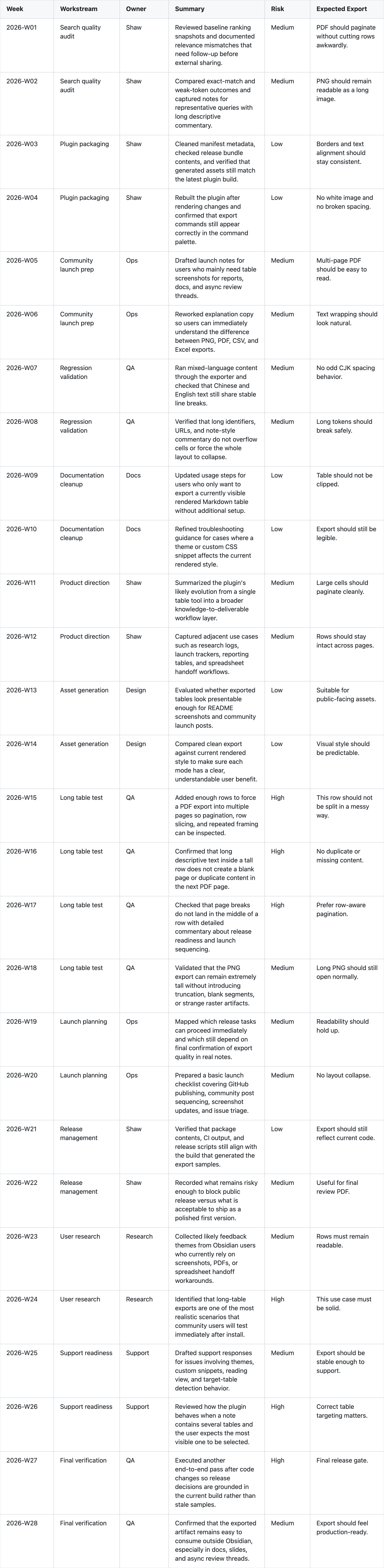
Long planning table exported from Obsidian
A long planning table exported as one shareable PNG, instead of multiple stitched screenshots.
Wide operational table PDF preview
A wide operational table exported into a paginated PDF layout that is easier to circulate in reviews.
Mixed-language table export preview
Mixed English and Chinese content stays readable in the exported output.

What works well today

Built to remove the manual handoff around Obsidian tables.

Table Exporter is for the moment when the table is already correct in the note, but getting it into chat, docs, slides, spreadsheets, or a shareable PDF still takes too much manual work.

Bases Table → PDF / Excel / CSV / PNG with proper type handling (checkbox → boolean, date → ISO, link preserved)

Bases Cards / List → full long-image PNG / PDF via scroll-stitching with geometry + pixel overlap detection (new in v0.3)

Handles Bases' virtualized scroll rendering across Table, Cards, and List views

Markdown tables still work the same way — and now also faithfully render callouts, Mermaid, and Dataview blocks inside cells

Bases Map export is intentionally unsupported in v0.3 (its WebGL layer cannot be captured reliably; planned for v0.4)

Learn and install

Use the surface that fits where you are in the workflow.

Community Directory

Best when you want the official listing, installation path, and a clean ecosystem trust surface.

Official forum thread

Best when you want launch context, public discussion, and the canonical thread future updates will continue to use.

Practical guide

Best when you are deciding whether PNG, CSV, Excel, or PDF is the right handoff for the next step in your workflow.

What feedback helps most

These are the questions that help us improve the plugin fastest.

Feedback focus

Do users care more about image export or spreadsheet export for Bases views?

Feedback focus

Are users hitting the canvas height limit (~16k px) on very large Bases, or is the 250-chunk safety cap rarely triggered?

Feedback focus

Are Dataview-era users migrating to Bases or sticking with Dataview / Datacore?

Next step

Try it, or tell us what still breaks in your workflow.